Separate capture from interpretation
Start every review by identifying the kind of image on screen. A still photograph records a particular view under particular conditions. A stitched panorama combines exposures around a capture point. A rendered view adds choices about geometry, materials, camera and lighting. A virtual production test may combine real lens data with an environment that was deliberately altered. Each can inform a location decision, but none should inherit the credibility of another without explanation.
Label images as observed, simulated or composite. Include a source date and a short note about edits that affect interpretation. Removing a parked vehicle can clarify architecture while hiding an access conflict. Replacing a window view can be useful for a creative discussion but misleading for a location comparison. Keep an unedited reference beside any presentation image that changes a decision-relevant feature.
Match the camera before comparing frames
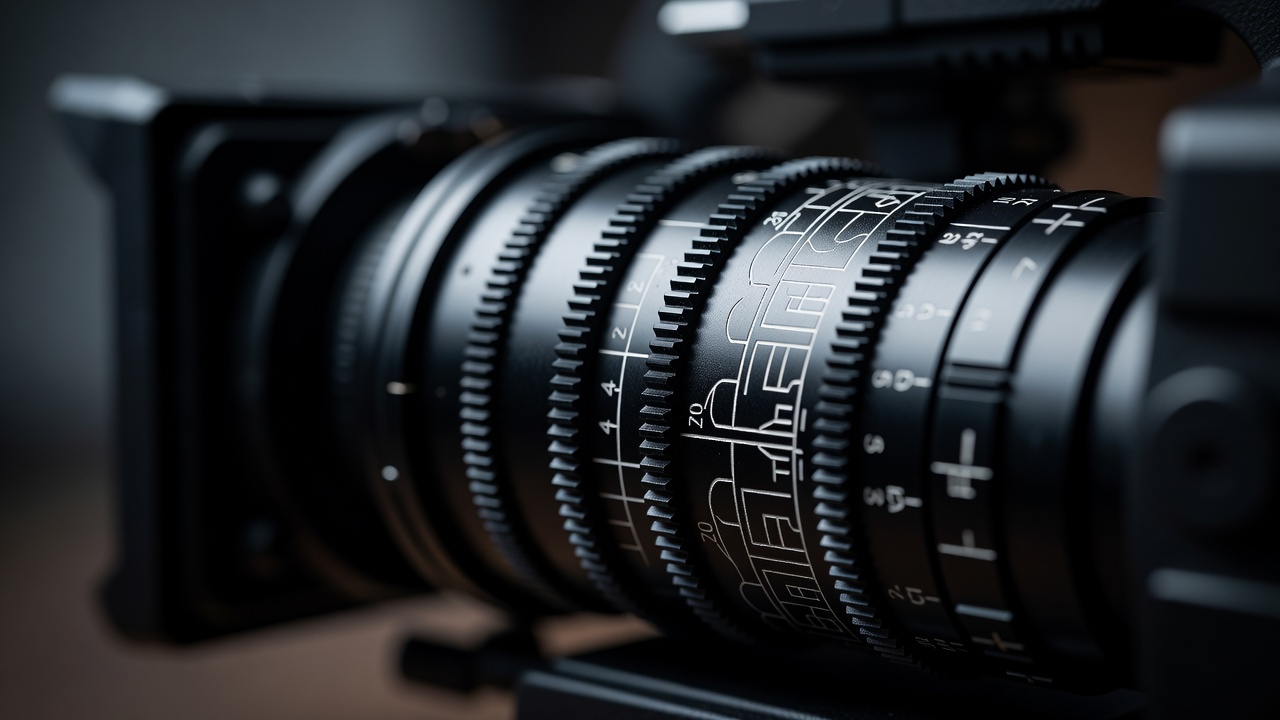
Focal length alone does not define the frame. Record the active sensor area or filmback, aspect ratio, camera position, camera height and orientation. An image cropped after rendering can change the apparent comparison. Lens distortion, focus distance and breathing may matter for a close or moving shot, while a simple pinhole model may be sufficient for early composition. State which approximation you are using instead of promising a universal match.
ARRI and RED publish camera information that can help establish the relevant recording format. ZEISS publishes lens resources that can inform lens discussions. Use the specifications for the actual camera mode and lens under consideration, not a vaguely similar product. If a frame only works when the virtual camera sits inside a wall, the preview has found a problem rather than a solution. Include the physical camera package in the next clearance check.
Treat sunlight as a hypothesis
A sun study requires location, orientation, date, time and a correctly handled time zone. Daylight-saving settings can matter. Even with those inputs correct, nearby obstructions, tree cover, glazing, atmospheric conditions and temporary structures may change what reaches the set. A sun position is not a weather forecast. Tools such as SunCalc can help explore solar direction, but their output should lead to targeted observations rather than an unconditional lighting promise.
Record whether brightness and exposure are artistic settings or derived from measured information. A renderer can produce a legible interior with lighting that the real site cannot provide. If a window is the key source, request current photographs from a comparable time and ask about blinds, tinting and restrictions on covering the glass. For flicker-sensitive practical fixtures, require an appropriate camera test and competent technical advice. A still preview cannot reveal the temporal behaviour of a lamp.
Read surfaces without overclaiming
Texture detail can be persuasive while material response is wrong. A scanned wall may contain baked-in shadows; adding new light can effectively illuminate the old shadows again. Reflective floors may be approximated, and transparent surfaces may be reconstructed as opaque geometry. Ask whether texture colour represents the material itself or the conditions during capture. For a critical reflection, schedule a reference shoot or test with the intended camera and light arrangement.
Colour appearance also depends on display settings and image processing. OpenColorIO and the Academy Color Encoding System, usually called ACES, provide useful frameworks for managing colour workflows, but using a named system does not make every display calibrated. Document the viewing transform and distinguish a creative look from a neutral reference. Avoid approving wardrobe separation or paint matching solely from an uncontrolled browser view.
Compare alternatives on equal terms
Use consistent camera settings and a shared list of questions when comparing locations. Otherwise, a wide, bright render may win against a tight, underexposed photograph for reasons unrelated to the space. Build comparison rows around decisions: required angle, controllable window light, background continuity and the area available behind camera. Add a column for missing evidence. It is reasonable for that column to remain open while a location stays provisionally shortlisted.
| Preview suggests | Do not conclude | Next check |
|---|---|---|
| A wide shot fits | The camera package and crew fit | Measured position and working footprint |
| Sun crosses a window | The room will have that exposure | Current reference and lighting test |
| A floor looks matte | Reflections will be controllable | Surface observation under relevant light |
Close the review with two outputs: the visual intention and the evidence request. “We want a low view toward the south windows” is an intention. “Confirm the camera clearance and photograph the window light under stated conditions” is a request. Keeping both visible lets the creative team move forward without silently converting a simulation into a production fact.
Expandable risk note: panoramas exaggerate confidence
A panorama can feel comprehensive while omitting floors, ceiling obstructions or the route between capture points. Check the capture position and stitching seams, and request ordinary reference photographs where the panorama cannot answer a practical question.
Source desk
- ARRI, RED and ZEISS Cinematography — camera and lens references.
- SunCalc — solar position exploration, not a lighting guarantee.
- OpenColorIO and ACES — colour workflow context.
Next decision: turn image assumptions into a remote verification plan.